Operator guide Β· Grow Your Limo

Visits, leads, bookings and revenue: a limo reporting guide

Limo marketing reports need consistent definitions. A visit is browsing activity; a lead is a defined contact; a qualified enquiry fits the business; a booking requires confirmation; revenue needs an authoritative commercial record. Keeping those states separate prevents a busy analytics dashboard from being mistaken for a profitable operation.

Discuss your business β†—

Create an event dictionary

Name each action and its trigger. A calculator preview, report unlock, meeting date selection and booked meeting are different events. A phone click is different from a connected call. Record the source of each event and the limitations. Do not send email addresses, journey messages or calculator values into public analytics payloads.

Deduplicate conversations

A passenger may phone, submit a form and ask a follow-up question about the same trip. Define how those contacts are joined before counting unique enquiries. A retry after a slow response should not create a second lead or reservation. Preserve the actual journey state instead of deduplicating solely by a shared household email.

Confirm the booking source

Use the reservation or payment workflow for confirmed bookings and actual revenue. A thank-you screen may mean only that an enquiry was submitted. If the booking tool does not supply a reliable completion signal, report enquiries and disclose the missing booking measurement. Do not estimate booked rides from a generic conversion rate and label them actual.

Document attribution limits

Consent, browser restrictions, cross-device use and third-party handoffs can reduce visibility. Last-click reporting identifies a recorded touchpoint, not the complete reason a customer chose the operator. Compare campaigns using the same period and rules. Keep unattributed bookings visible rather than assigning every one to the channel you prefer.

Use a report that supports decisions

Show the reporting dates, implemented work, qualified enquiries, confirmed bookings and observed costs where available. Separate calculated scenarios from measured outcomes. A case study should name its metric and context. Search impressions are not unique prospective customers, and traffic growth is not automatically revenue growth.

Apply this to your actual operation.

Use the relevant service scope and your operating market guide to prepare the next step. The booking calculator models your entered assumptions; a free meeting can address the real workflow.

Editorial guidance updated 6 October 2026. Examples are illustrative unless explicitly identified as a documented project result.
The work behind the plan

Real operators.
Work you can inspect.

Published case studies from our own portfolio. Search traffic is shown as traffic, not bookings or revenue. Each story explains the work and its reporting period.

Pearson GTA Limo website preview
Toronto Pearson Β· Canada

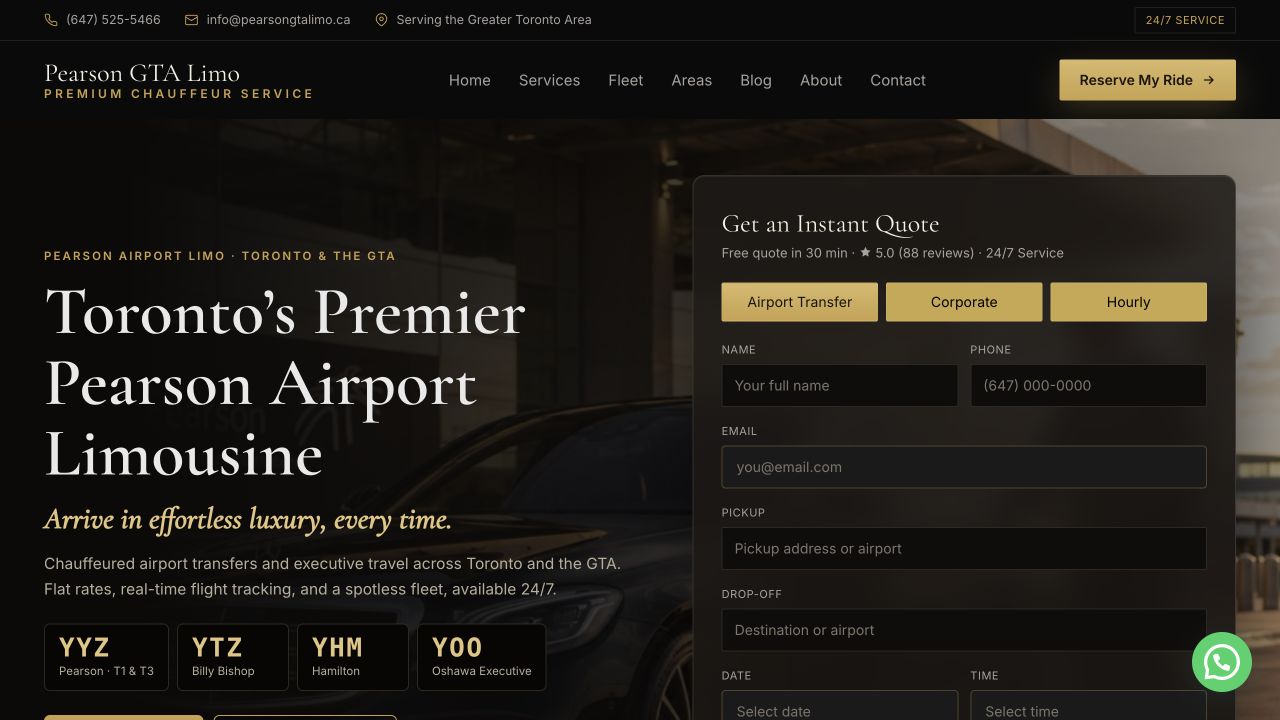
Pearson GTA Limo

641/641

ranking searches kept through the Sept 2026 relaunch

82 city, 10 service and 13 route pages, with a 0.27s server response.

Read the case study β†—
DTW Taxi website preview
Detroit Metro Β· United States

DTW Taxi

231

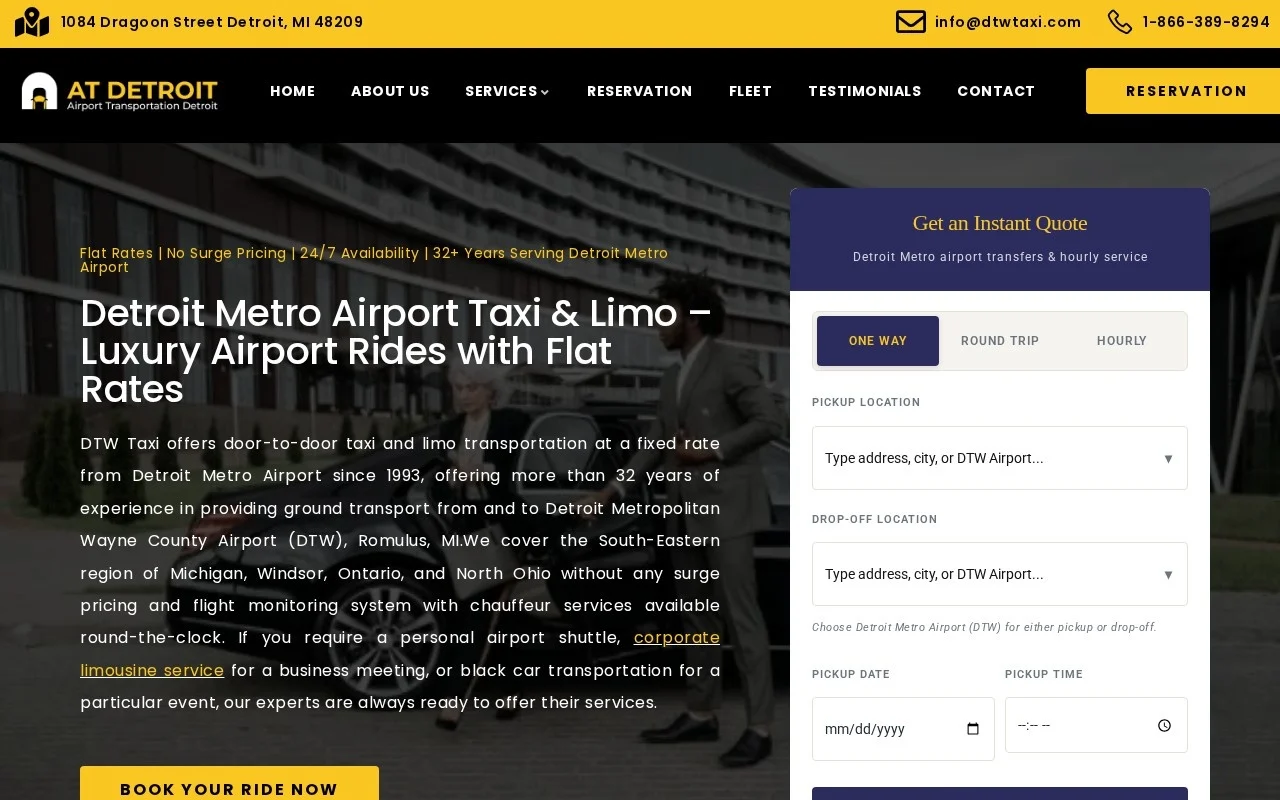
Google visits in Sept 2026, up from 13 in Dec 2025

Flat rates published for 262 cities, and city pages rewritten to be unique.

Read the case study β†—

Your next stage of growth

More direct bookings.
Work out what it takes.

Start with the extra revenue you want each month. See the bookings, enquiries and advertising budget behind it, using numbers you can change.

Adjust conversion, capacity and cost assumptions

Starting values are illustrative assumptions, not limo industry benchmarks or a quote. Enter your own figures. Fees set to zero mean β€œnot entered”, not free service. Completed-booking conversion should include cancellations.

The starting cost and conversion figures are illustrative. Open the assumptions to enter your own numbers before making a spending decision.

Preview the next step, then enter your email to unlock the detailed plan and download. Nothing is sent until you submit the email form. Currency selection changes the unit; it does not convert exchange rates.

Your monthly booking goal

Your numbers. A clearer next step.

Enter your city and select Calculate. Your plan will appear here.

  1. Set a realistic goalUse your average fare, conversion rate and available capacity.
  2. Understand the costsCompare the advertising spend with the operating contribution in your scenario.
  3. Unlock your reportSubmit your email to see the detailed figures and download your plan.

Calculated from your inputs. No live search volumes, rankings or market prices are inferred.