






Limo website design ↗
Limo website design combines a clear fleet and service presentation with a practical mobile enquiry or booking journey.
Limo reservation system integration connects a website enquiry or booking journey to an operator’s existing reservation workflow. A link, vendor embed and custom API integration are different scopes. We assess the supported interface and test the actual installation before claiming compatibility.

For an operator who already uses reservation software and wants a clearer customer handoff. Bring the vendor, plan, supported documentation and access to a sandbox or controlled test environment where available.
These are work areas to scope after reviewing your business. The proposal defines deliverables, access, responsibilities and exclusions.
Evaluate the vendor’s supplied booking route and mobile behaviour. A working embed is not a native API integration.
Confirm authorised access, supported read/write actions, sandbox availability and vendor limits before pricing custom development.
Define request, quote, payment and confirmed-booking states. Handle duplicate requests and errors without falsely confirming a ride.
Document ownership, secrets handling and the monitoring needed when vendor interfaces change.
Inspect the existing workflow; classify link/embed/API feasibility; agree supported actions; test error and duplicate cases; verify the booking record before launch.
You approve business facts and supply authorised access. We document the implemented work and verification. Unsupported vendor actions, advertising spend and future search outcomes are not silently included.
Most “Limo Anywhere API integrations” are not custom API work at all. Limo Anywhere’s public support centre documents an embeddable booking system, two widgets, a lead form and Zapier connections. Start there, and only pay for custom development when those cannot do the job.
We checked Limo Anywhere’s support centre and its Zapier listing on 20 October 2026. Here is what is documented, and what is not.
The embed is the easy part. Most integration work is deciding what each form creates, making bookings show up in your analytics, and testing without confusing dispatch.
Quotes vs reservations. ORES creates reservations, subject to the rules you set: lead time before pickup, whether new reservations are auto-accepted, and when changes and cancellations are allowed. The lead form and Zapier’s Create Quote Request action create quote requests instead. Decide which one each button on your site should produce. A passenger who thinks they booked when they only asked for a quote is a complaint waiting to happen.
Tracking bookings on your own domain. Limo Anywhere documents a GA4 setting under My Office → Company Settings → Online Reservations → ORES & Mobile → Analytics. Completed reservations are sent to GA4 as a “purchase” event with the confirmation number and trip cost. With the embed, booking data reaches your page through the browser’s postMessage API, and capturing it needs Google Tag Manager and a developer. With the link, you add book.mylimobiz.com to GA4 cross-domain tracking. Limo Anywhere itself warns that running GA4 and GTM tracking together can double-count bookings, and that bookings can be missed or recorded at zero value without the bridge.
Testing. Ask Limo Anywhere whether a test company or sandbox is available for your account. If it is not, agree a controlled test with dispatch: clearly labelled test bookings, a named person to void them, and checks that each one appears in the system, in GA4 and in Google Ads exactly once. Limo Anywhere recommends a test booking before relying on reports.
For the wider picture of the product, read our Limo Anywhere review.
The same questions apply to every system: link or embed, quote or reservation, how bookings reach your analytics, and how you test.
Moovs describes a Customer Portal Widget that it says installs in a few minutes. Through the portal, customers enter trip details, compare vehicles and request quotes. Operators using automatic pricing can receive bookings straight away; customers can sign in to see past trips and request changes. Moovs does not publish a public API reference on its website; ask its team about integration access.
Other systems such as Hudson, Kymark, GroundWidgets and Book Rides Online are assessment candidates. We check your installation before saying anything works. Compare the options in our dispatch software comparison, Moovs vs Limo Anywhere and Limo Anywhere alternatives.
If your system has no usable embed, a first-party form on your own domain can collect the trip and hand it to dispatch. Our Sarah booking assistant does this with chat, voice and form modes; it is rule-based, uses no LLM and costs $0 to run. See the AI booking assistant.
Open a scenario.
A supported booking link may be the lowest-complexity route. An embed can retain vendor controls. A custom interface needs supported API access and a larger test scope.
Vendor support is installation-specific. Limo Anywhere, Moovs, Hudson, Kymark, GroundWidgets and Book Rides Online are assessment candidates, not a blanket claim of tested native support.
Feasibility, API access, vendor plan, test coverage and maintenance determine scope. No universal two-week delivery or included booking-write capability is promised.
Use the booking calculator to explore your own assumptions. It does not measure current market competition, forecast search positions or establish a return on investment.
Limo Anywhere does not publish a public developer API reference or sandbox in its support centre, as checked 20 October 2026, so access and terms must be arranged with Limo Anywhere directly. Most website needs are met by its documented routes instead: the ORES 4 embed, the ORES link, two widgets, the Lead Quote Close form and Zapier.
Add the Limo Anywhere booking widget to WordPress by copying the ORES 4 embed code from the My Website tab and pasting it into a Custom HTML block on your Reservations page. Limo Anywhere estimates 15 to 30 minutes of developer time. For the Lead Quote Close form, whitelist both www and non-www domains and use its script, not a plain iframe.
Besides a custom API, limousine booking integrations come in three forms: a link out to the vendor's booking page, a vendor embed on your own page, and automation tools such as Zapier. Limo Anywhere's Zapier triggers include New Quote Request and New Reservation, with actions that create accounts, quote requests and reservations. Moovs offers a Customer Portal Widget.
Yes. Limo Anywhere sends completed ORES reservations to GA4 as a 'purchase' event with the confirmation number and trip cost. With the embed, capturing it needs Google Tag Manager and a developer; with the link, add book.mylimobiz.com to cross-domain tracking. Limo Anywhere warns that running GA4 and GTM tracking together can double-count bookings.
This page does not publish a verified vendor compatibility register. We confirm your installation and document the supported method before committing.
Payment entry should use the approved payment processor’s supported flow. Card details must not be captured in ordinary enquiry fields or emails.
No. Vendor access and supported actions vary. A quote request remains a request until the authoritative workflow confirms it.
Limo website design combines a clear fleet and service presentation with a practical mobile enquiry or booking journey.
An AI booking assistant for limo companies can collect journey requirements, answer approved questions and route an enquiry to staff.
Analytics tracking for limo companies defines and measures the journey from website visits to enquiries and confirmed bookings.
Find the location guide for your operating market. Our agency works remotely from Dubai; a regional guide is not a local office.
Sources checked 20 October 2026: Limo Anywhere: ORES 4 setup · Limo Anywhere: GA4 with ORES · Limo Anywhere: adding the lead form · Limo Anywhere support centre · Zapier: Limo Anywhere · Moovs customer portal.
Service description updated 20 October 2026. Project evidence is shown with its own geography and reporting context; it is not proof of results for every service.
Your next stage of growth
Start with the extra revenue you want each month. See the bookings, enquiries and advertising budget behind it, using numbers you can change.
Your monthly booking goal
Enter your city and select Calculate. Your plan will appear here.
Calculated from your inputs. No live search volumes, rankings or market prices are inferred.
Book a meeting with Wali ↗
Choose a date and time to discuss your business. No calculator report is required to book.
Bring your website, operating area and booking workflow. We will discuss the constraint and the work that fits.
Book a free meeting ↗Your next stage of growth
Start with the extra revenue you want each month. See the bookings, enquiries and advertising budget behind it, using numbers you can change.
Your monthly booking goal
Enter your city and select Calculate. Your plan will appear here.
Calculated from your inputs. No live search volumes, rankings or market prices are inferred.
Book a meeting with Wali ↗
Choose a date and time to discuss your business. No calculator report is required to book.
The work behind the plan
Published case studies from our own portfolio. Search traffic is shown as traffic, not bookings or revenue. Each story explains the work and its reporting period.
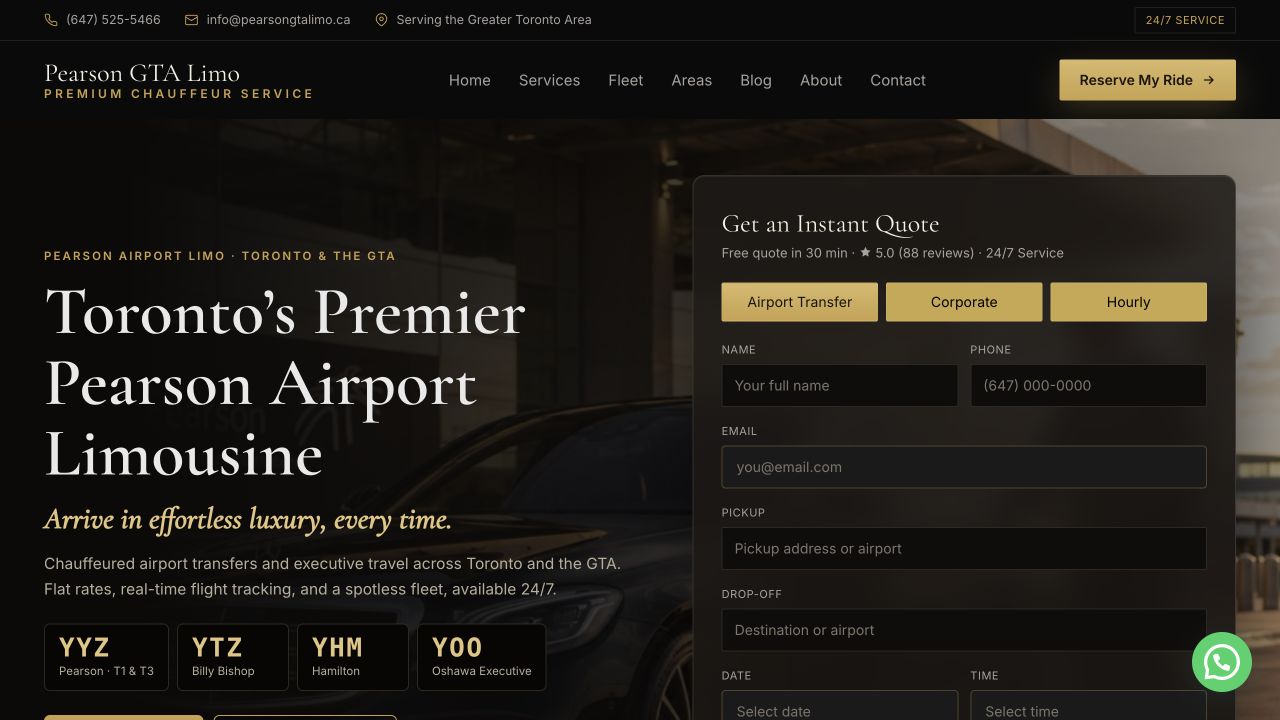
ranking searches kept through the Sept 2026 relaunch
82 city, 10 service and 13 route pages, with a 0.27s server response.
Read the case study ↗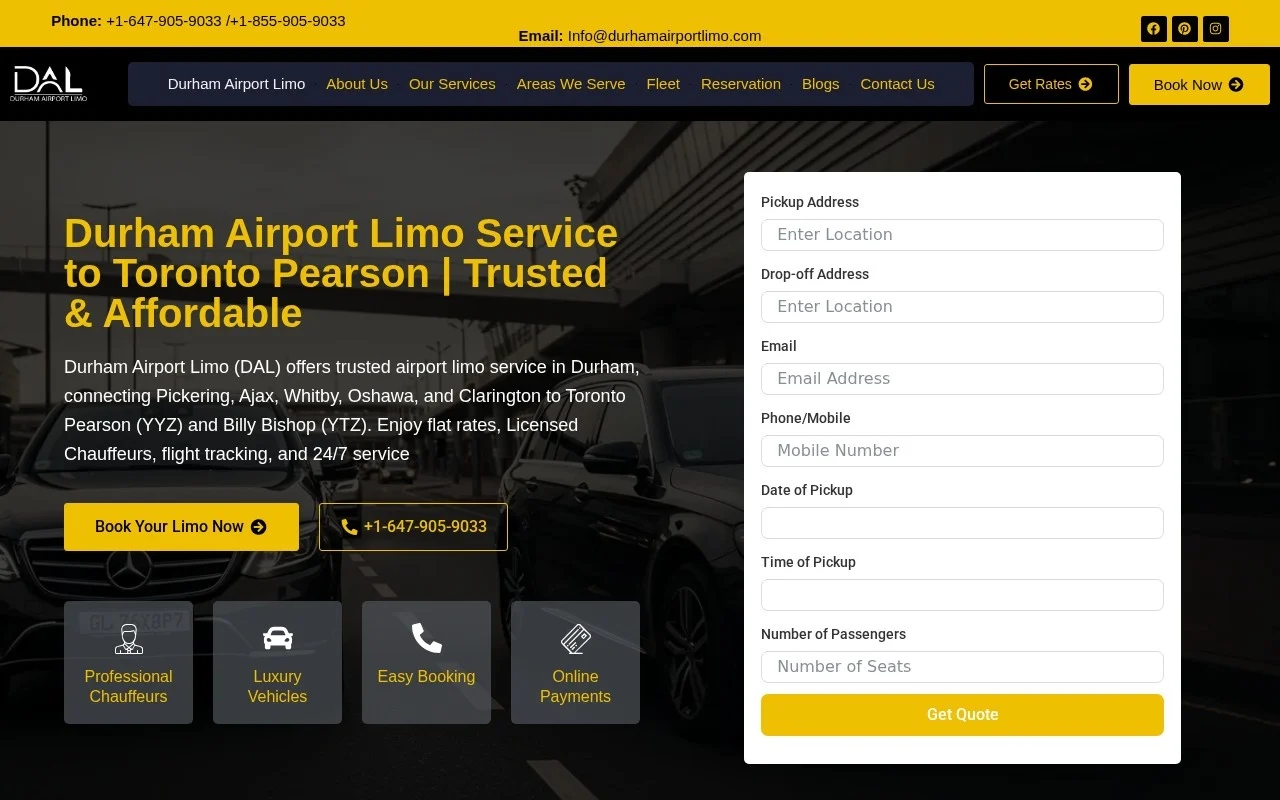
fake rating widgets removed across 32 pages
42 site defects fixed and every title and meta description rewritten.
Read the case study ↗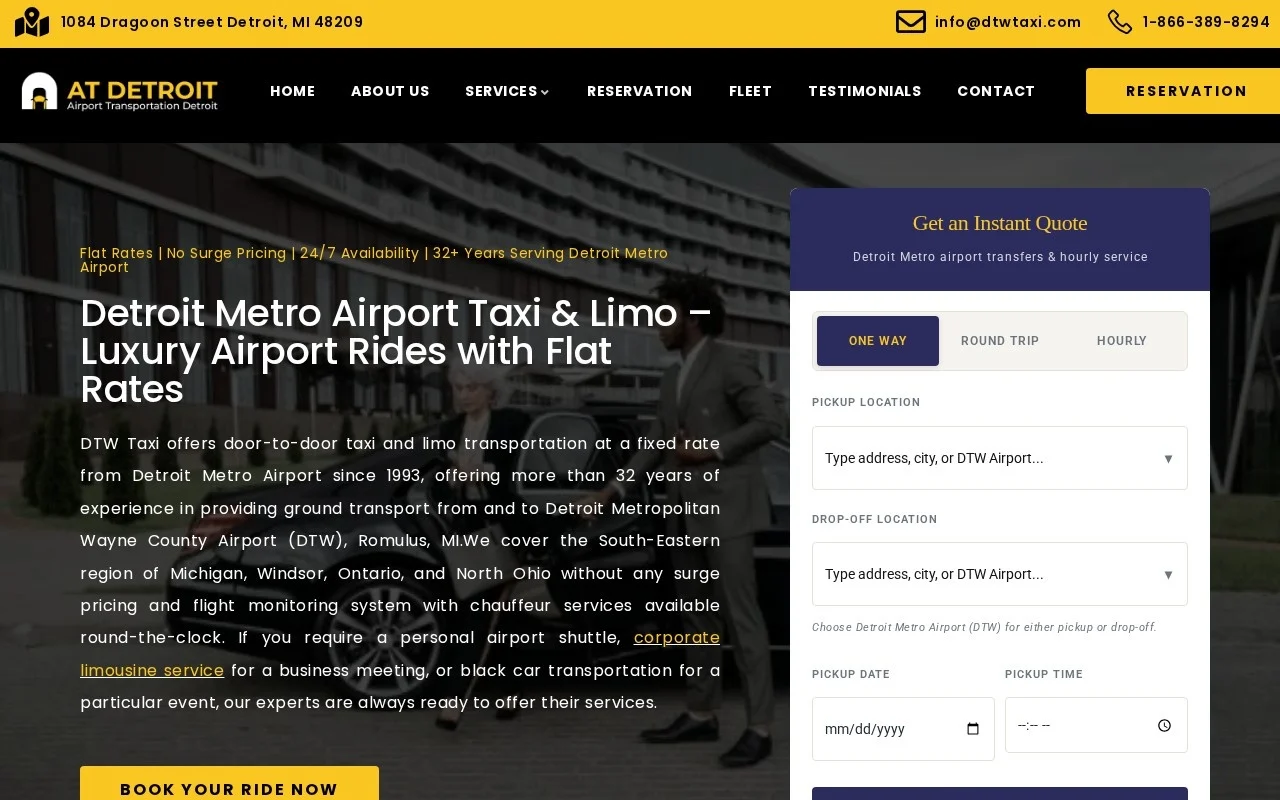
Google visits in Sept 2026, up from 13 in Dec 2025
Flat rates published for 262 cities, and city pages rewritten to be unique.
Read the case study ↗